Finding a Display's Firmware Version
The firmware version identifies the exact software build running on a display, and it is one of the first things to check when diagnosing device behavior or requesting support. It can be read either directly on the display or remotely through MagicINFO Server.
From the display's menu
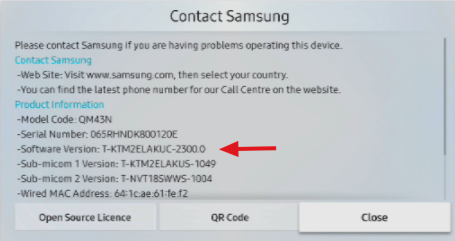
- On the remote control, go to Menu > Support > Contact Samsung.
- The firmware version is listed on this page.
From MagicINFO Server
- Log in to MagicINFO Server and open the Device section.
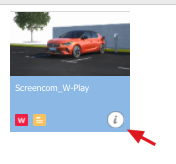
- Click the i (information) icon of the device.
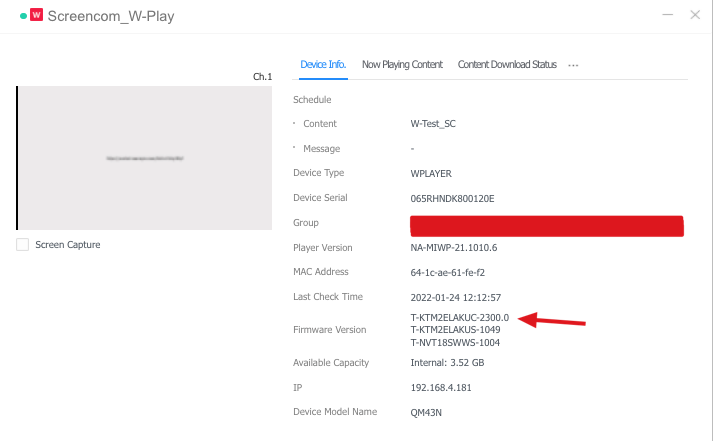
- The device information window shows the firmware version.
tip
To push a firmware update to connected devices from the server, see Update Display Firmware and Player Software.