Finding the MagicINFO Version
The installed MagicINFO Server version can be read in four places: the login page, the dashboard, the installation folder, and the config.properties file. Knowing the exact build number matters when checking update requirements or reporting a problem.
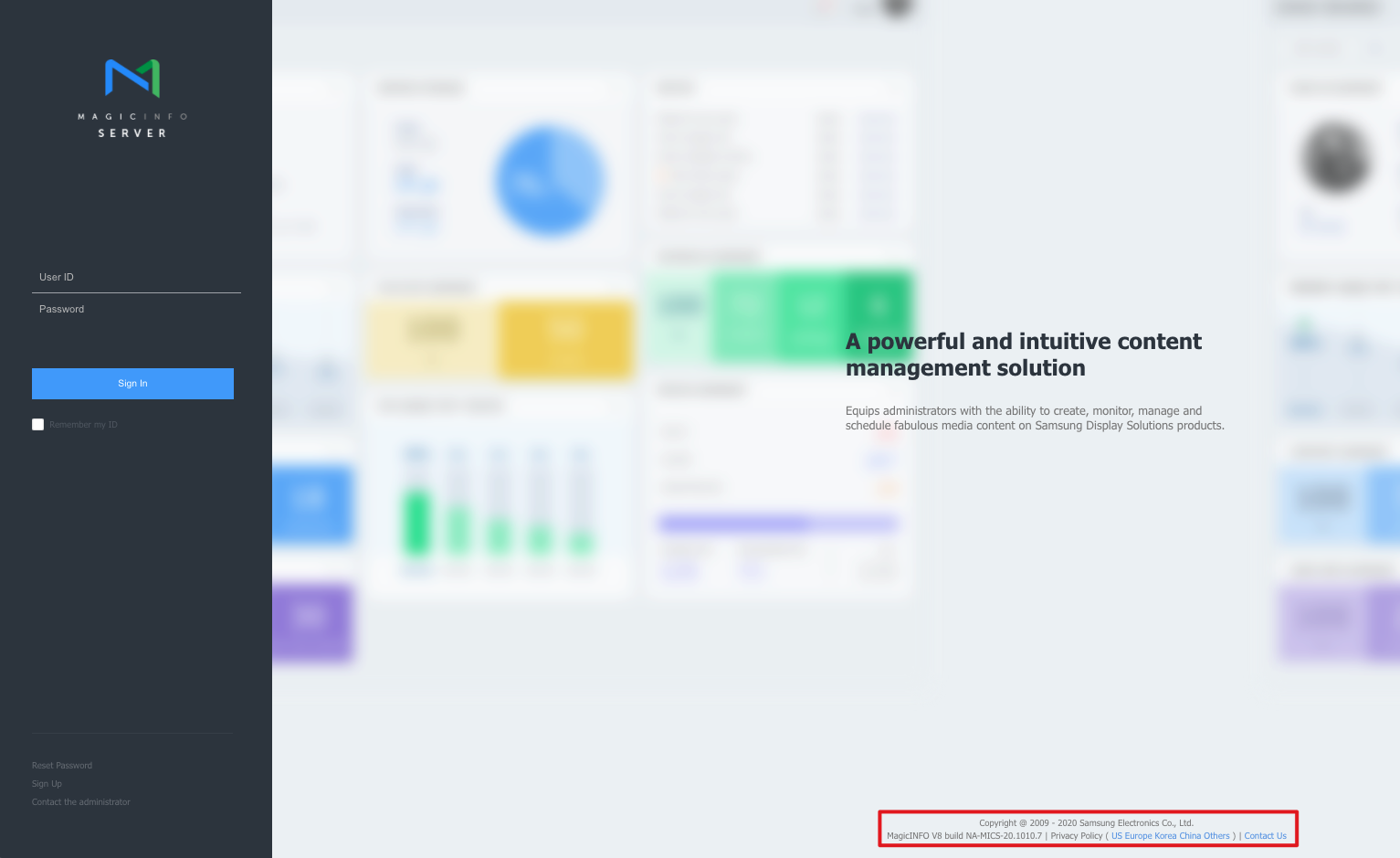
1. On the login page
The version and build number are shown at the bottom of the login page, before you sign in.
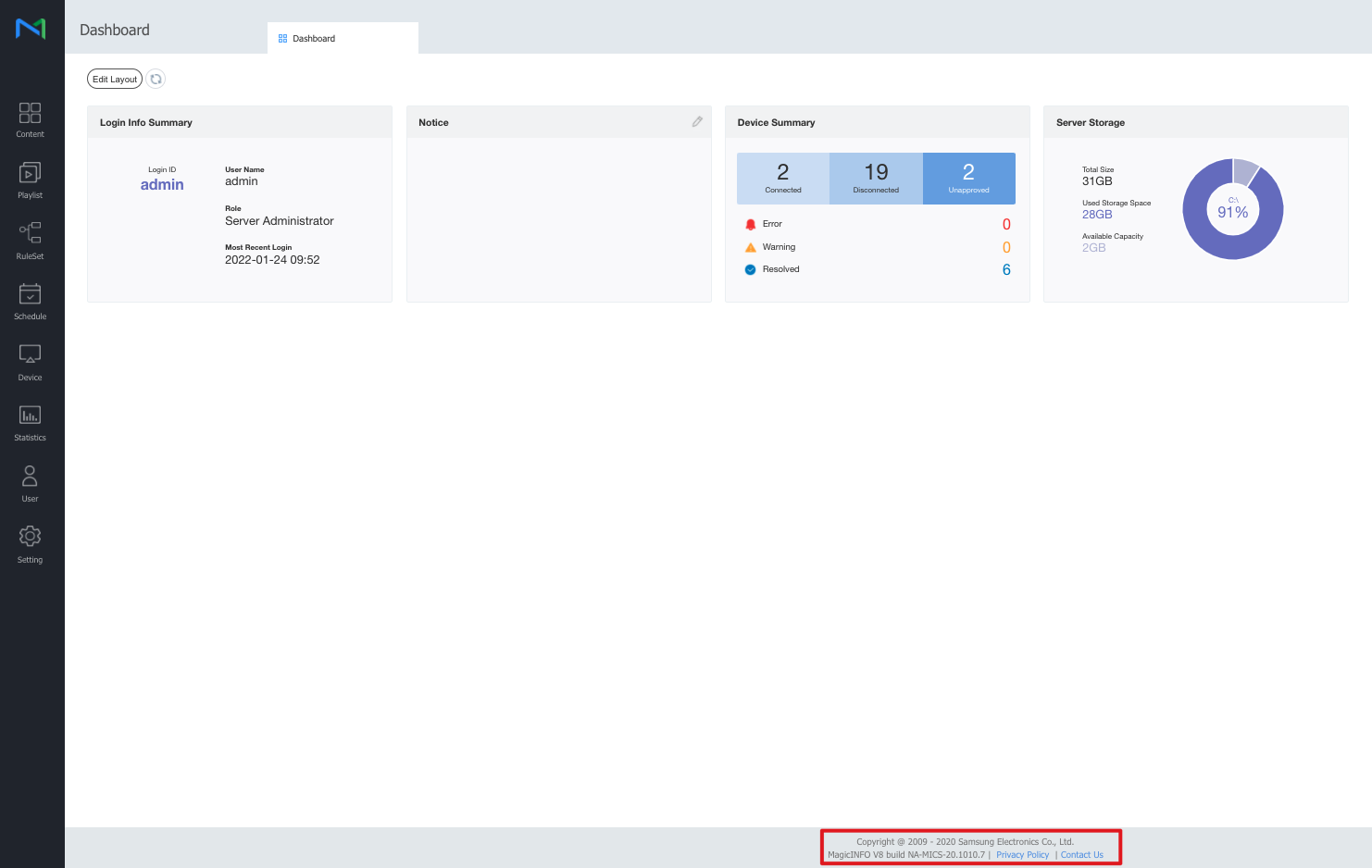
2. On the dashboard
After signing in, open the dashboard. The same version string appears in the footer at the bottom of the page.
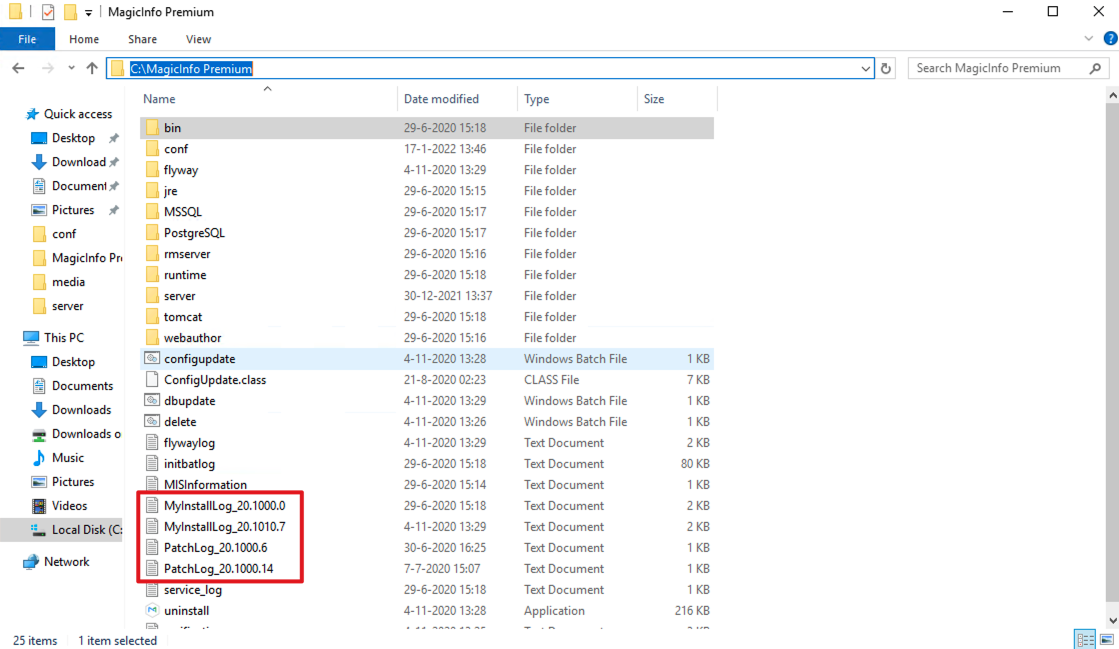
3. In the installation folder
The server's installation folder (by default C:\MagicInfo Premium) contains an install log and a patch log for every version that has been applied, so you can also read the full update history there. In the example below, the log files show the upgrade path 20.1000.0 → 20.1000.6 → 20.1000.14 → 20.1010.7.
4. In the config.properties file
Open C:\MagicInfo Premium\conf\config.properties in a text editor and look for the Server Version section:
# Server Version
wsrm.liteVersion = MagicINFO V8 build NA-MICS-20.1010.7
wsrm.premiumVersion = MagicINFO V8 build NA-MICS-20.1010.7
Keep the server up to date — running the latest release gives you current fixes and the best performance.