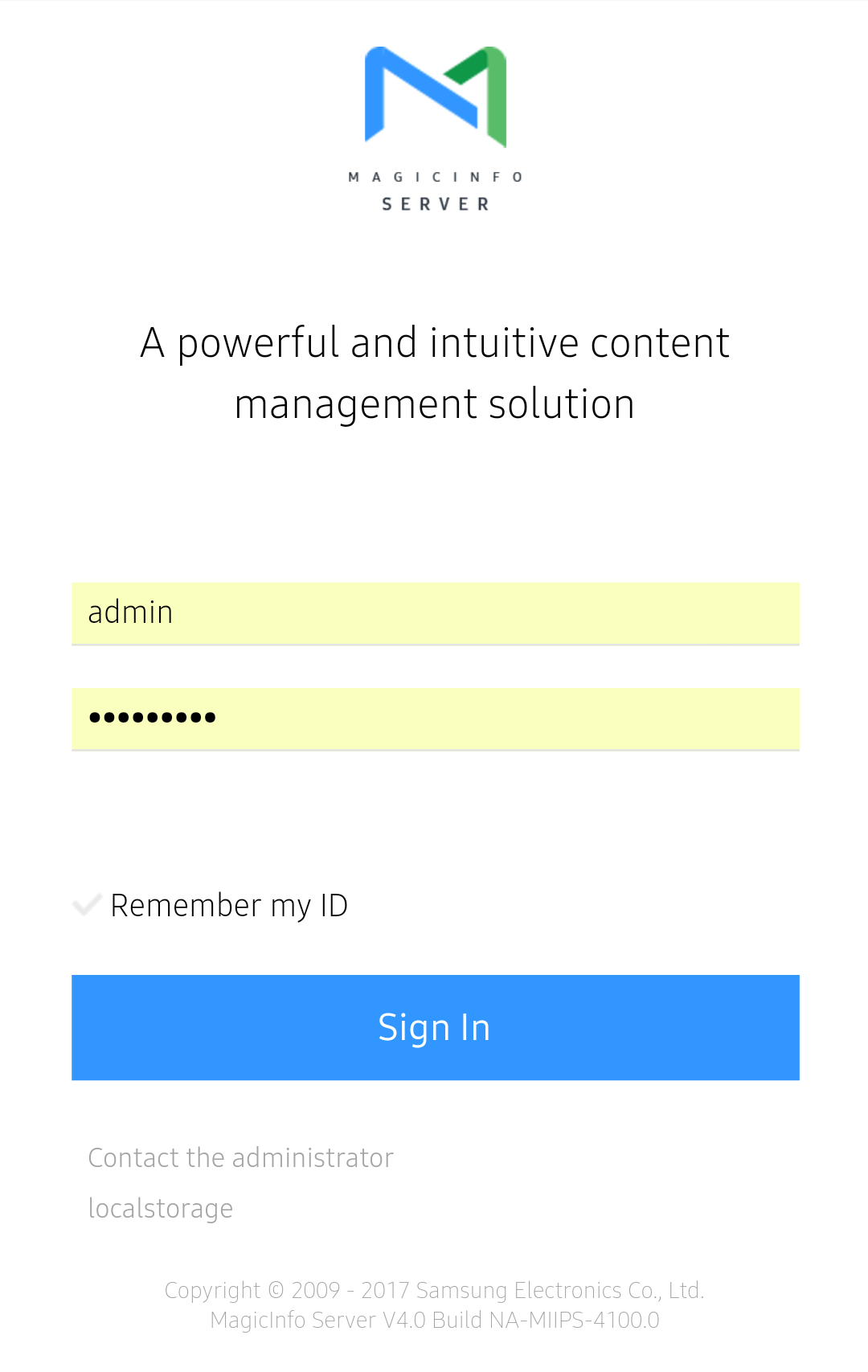
In the smart home, launch a browser app (e.g. Internet Explorer, Chrome).
Enter "http://(MagicINFO Server IP):(port)/MagicINFO/Mobile" in the address bar in the browser app. The
Mobile login screen appears.
Enter user ID and password, and click Sign In.
The MagicINFO at the end of the address to MagicINFO Server is case-sensitive.
Log in from PC environment in order to use MagicINFO Server. Users that have signed up can sign into MagicINFO Server after approval by the administrator.