MagicINFO Mobile: Approve or Reject Content
Approve or reject content created or added on the server. Corresponding functions can be accessed by going through Setting > Server Management > Server Setting and setting Confirm Contents from general items.
- Select >
 > Content > Unapproved.
- Select the desired content from the unapproved content list. To select all content items, press Select All.
To search for specific content or view content filtered by condition, click
 .
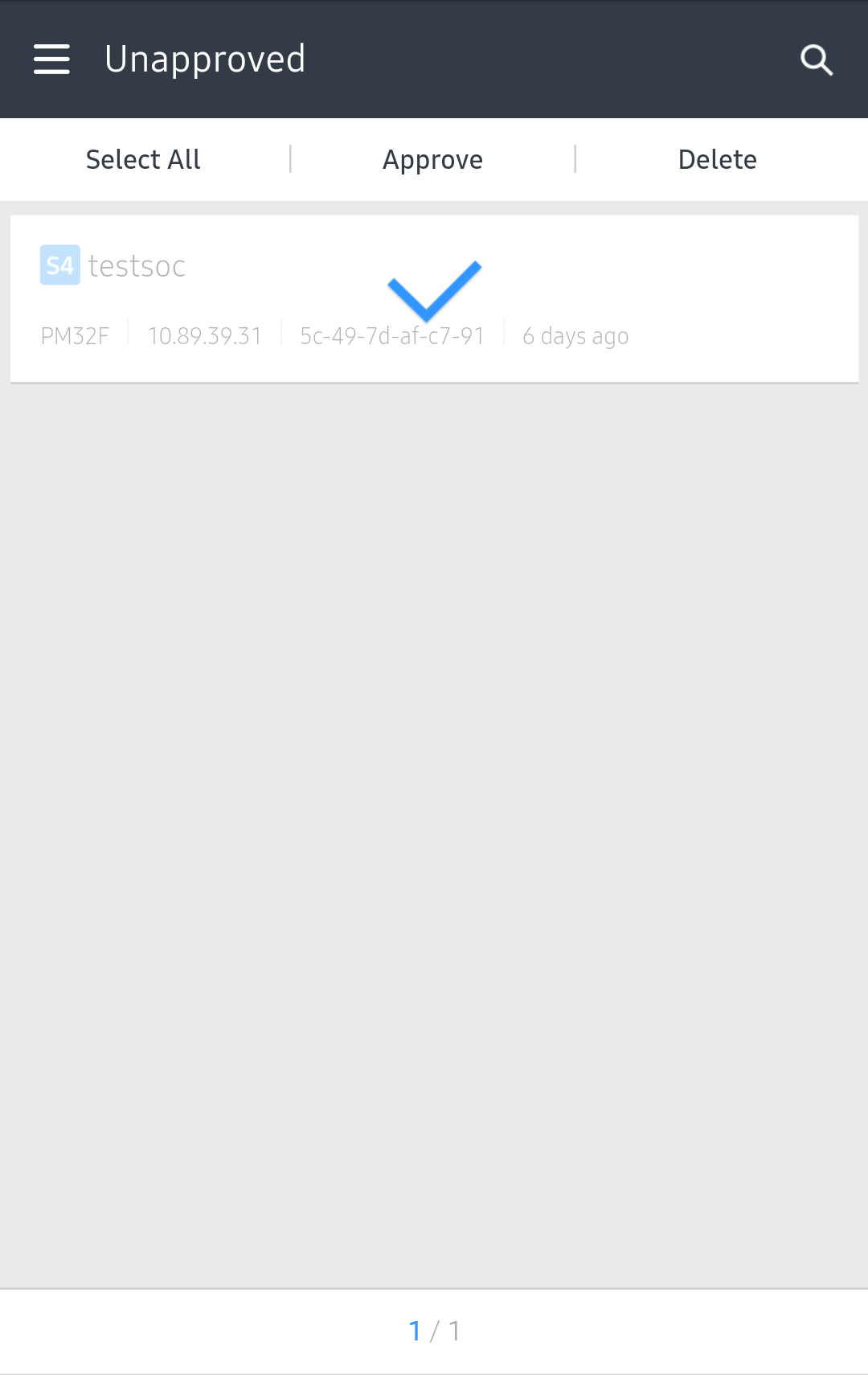
- To approve the use of content, select Approve. To return it, select Return. To deselect the content from the
unapproved list, select Delete.