MagicINFO Mobile: Your Account and Licenses
View or edit your own user information. View license information for each device.
Managing My Information
Select  > Setting > My Information.
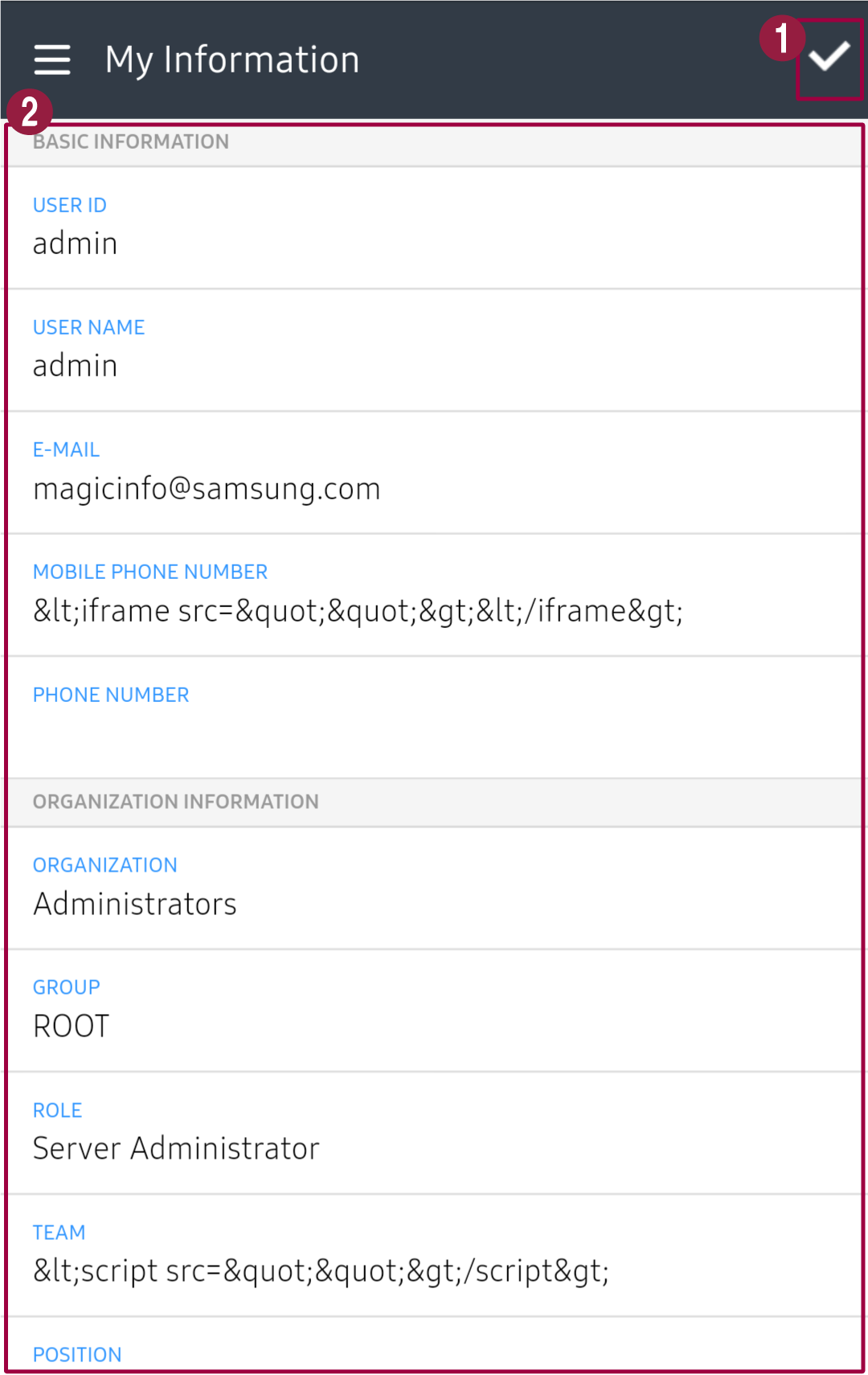
- Edit your own user information. Edit information and press Save.
- View your own user information.
Viewing license information
- Select > Setting > License Info.
- Click the desired device type to view the licenses for each device. When the
device type is clicked repeatedly, each license information is expanded or hidden.