MagicINFO Mobile: Create a Playlist
Create and upload playlists to the server.
- Click
 in the list of playlists.
- Select a device type and press Create.
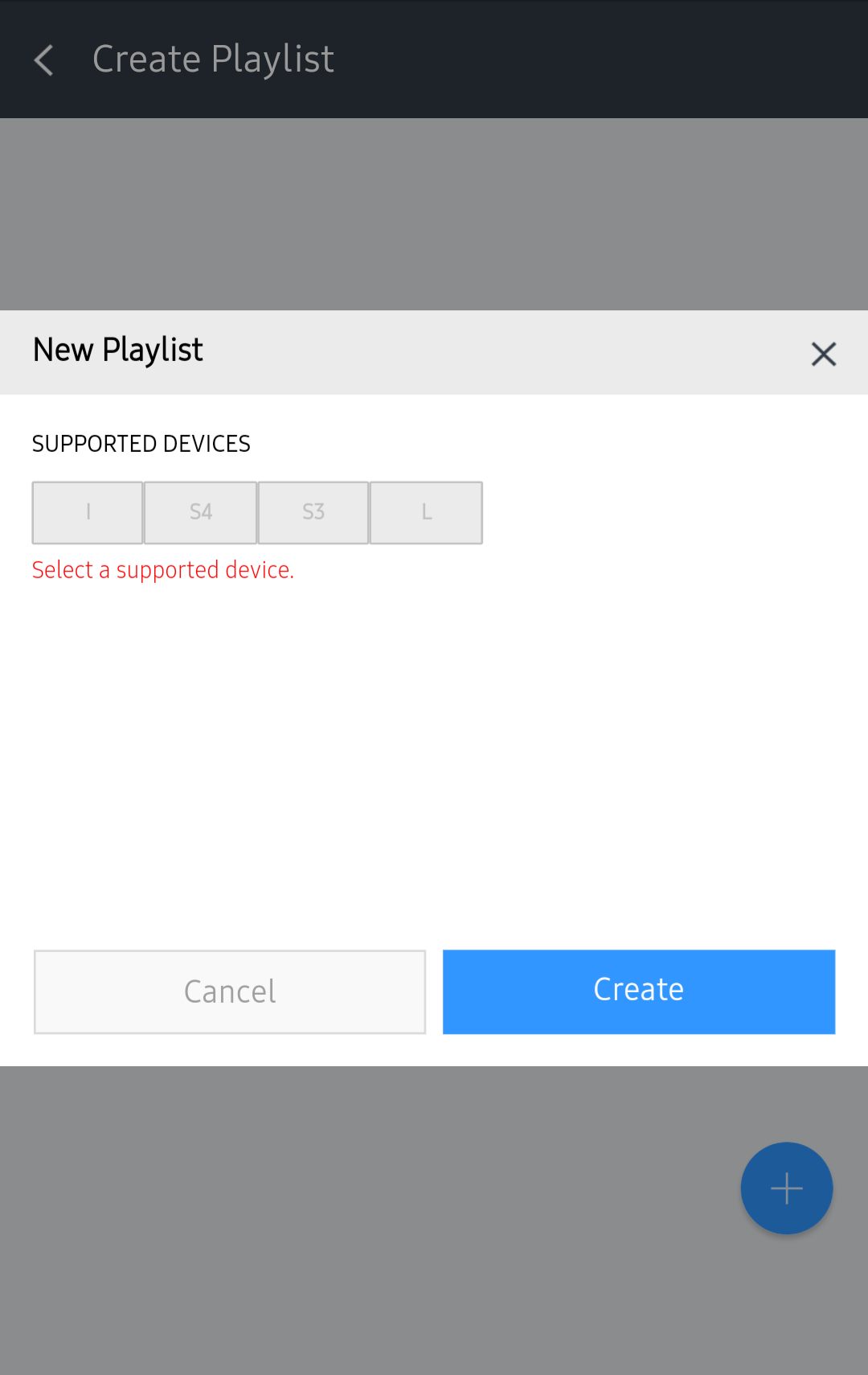
- In the Content or Playlist tab, select an item to be registered as a playlist and press Done.
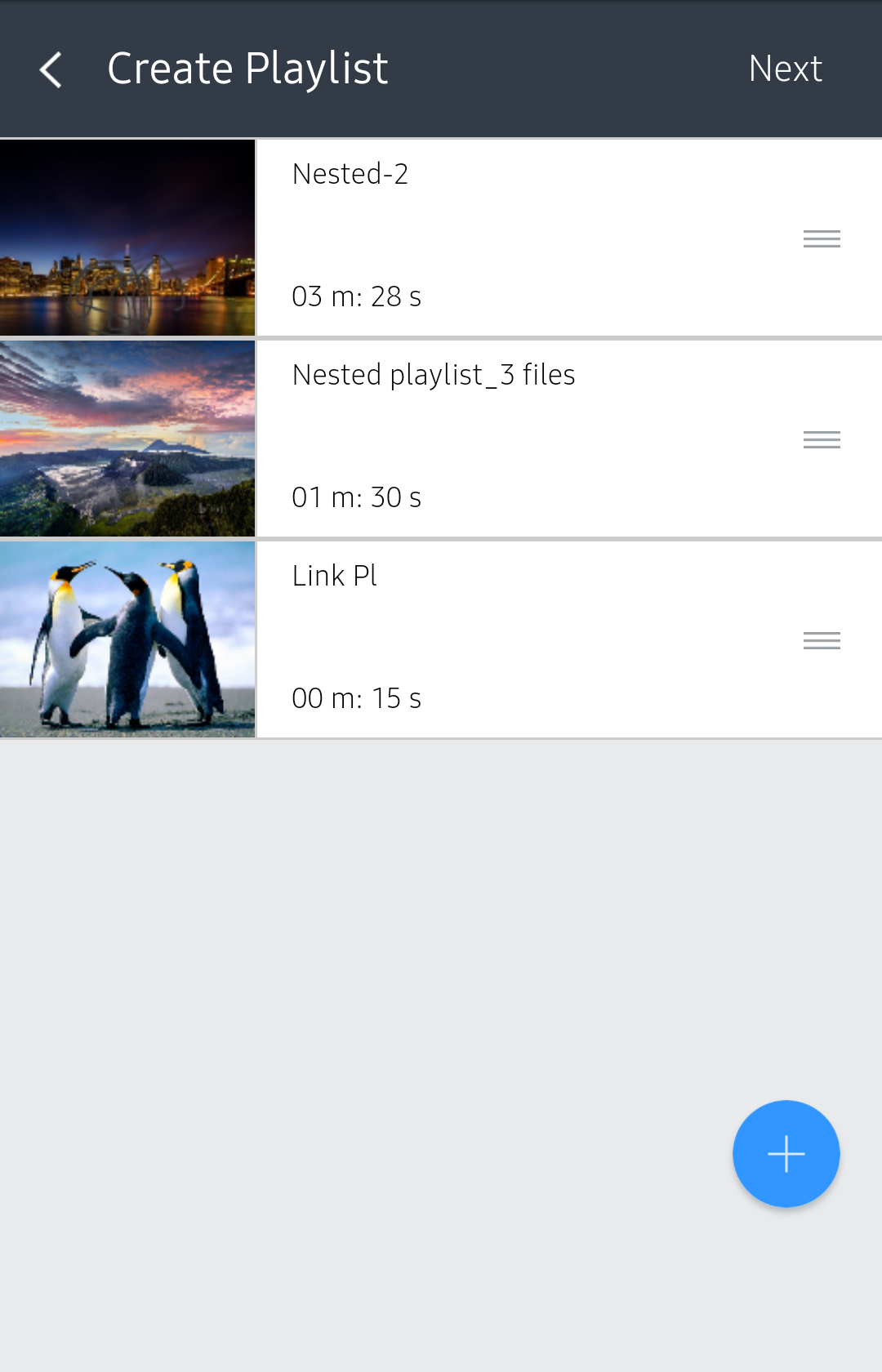
- After the item is created as a playlist, press Next. From each added item, drag
 to change orders.
- Enter playlist details and press Save.
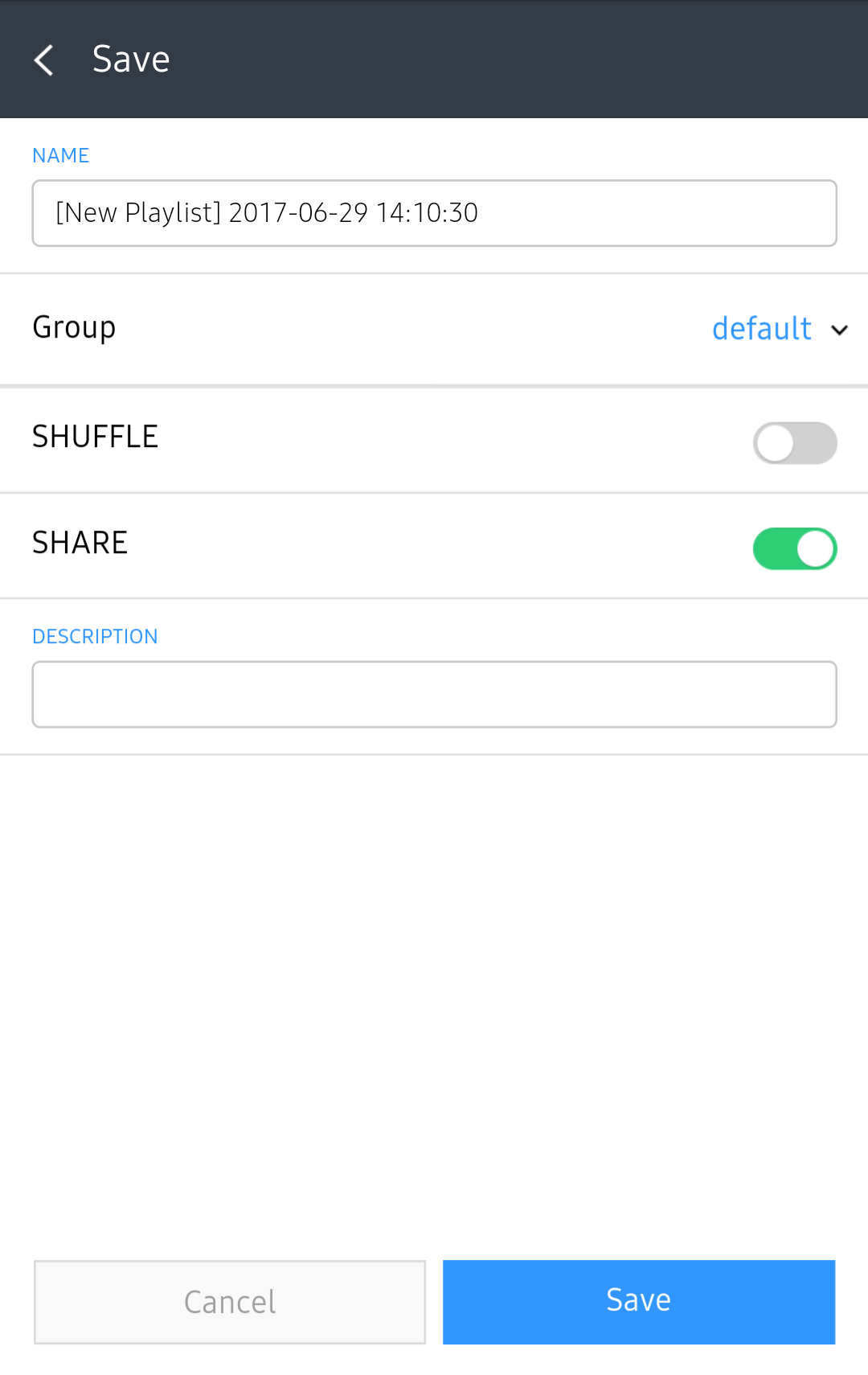
| Item | Description |
|---|---|
| Name | Enter a playlist name. |
| Group | Select a group for the playlist. |
| Shuffle | Turn random playback mode on or off. |
| Share | Choose whether to share the playlist. |
| Description | Enter a description of the playlist. |