W Player API Settings in Web Author
W Player API allows creation of various web content elements for use in W Player.
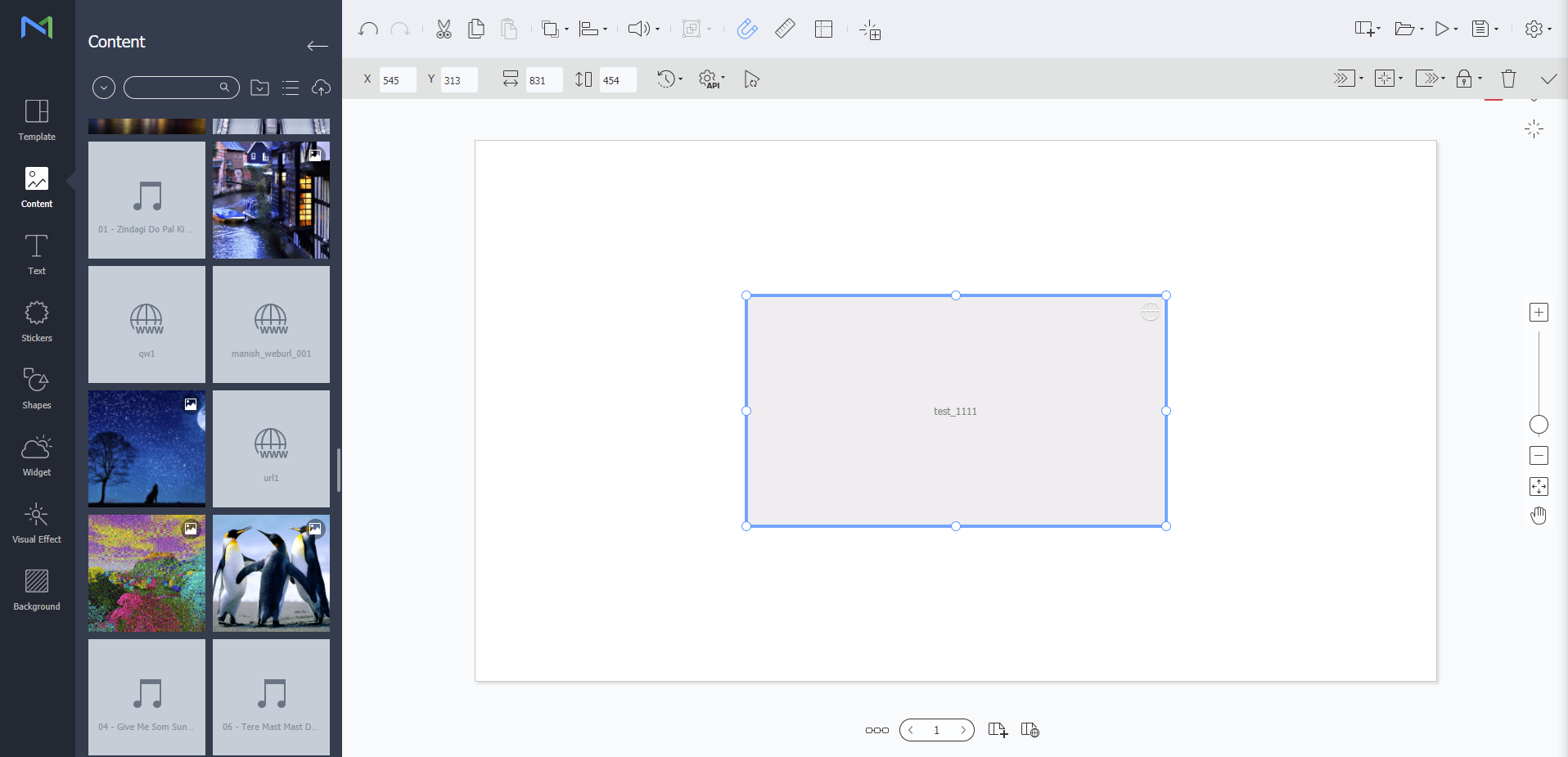 From the editor screen of Web Author, click
 .
- Refresh Interval
Set the refresh interval in hours (0-23) / minutes (0-59) / seconds (0-59).
From the editor screen of Web Author, click
 . Available settings are as follows:
- User Data Apply user data to web content via W Player API by entering the key and value of the data. A duplicate key cannot be entered. Use the Add button at the bottom left to create a key and value.
- External Data Set how to import external data that will be applied to web content via W Player API.
- UDP Listener: This option is used when importing data via the UDP port.
If you activate UDP Listener, you can simulate data imported via the UDP port.
Data can be simulated by clicking
 at the bottom right and then sending the command in the displayed input window.
- DataLink Listener: This option is used when importing data via the data link server. Use the option to set the data link table, data order (vertical/horizontal) and refresh interval in minutes (0-59) or seconds (0-59).
Do not use "47475" which is the port number of UDP Listener. The port is used for W Player playback.
From the editor screen of Web Author, click
 .
- Sync Timeline Press the button to activate the option. Previously imported content will be played from the beginning when playback of new content begins.
Testing actions with the simulation tool
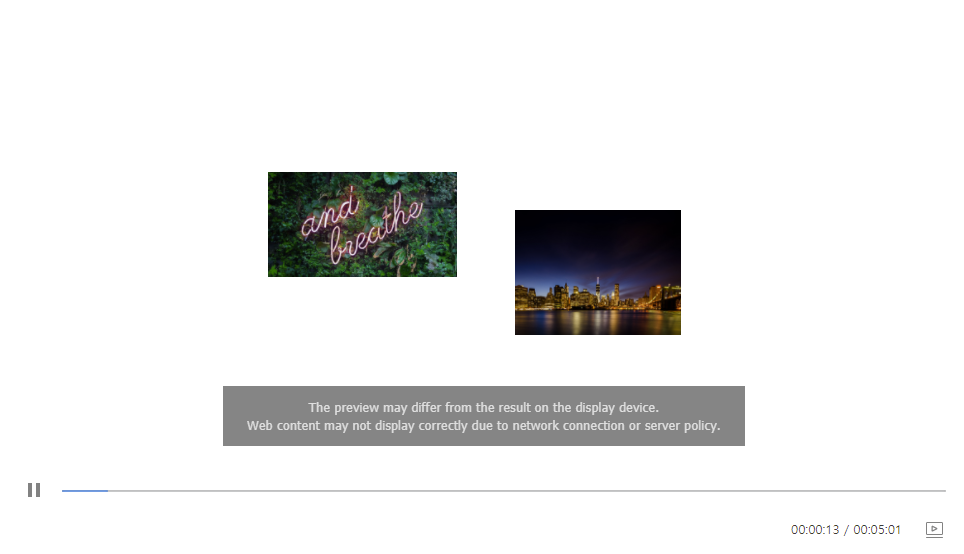
When web content has UDP Listener turned on, the preview screen shows . Click it to open a panel at the bottom of the preview where you can send a simulation command. If the web content implements an action for that command, you can test the action there. Click  to return to the normal preview.