Enable the Event Trigger in I Player
Activating event trigger
Follow the items below to activate the event trigger.
- Run I Player.
- Check the folder location where MagicINFO is installed on the hard drive and find the
Configuration.inifile in the config folder (for example,D:\MagicInfo\Config\Configuration.ini). - Open the
Configuration.inifile and add the following segment to run MpEventReceiver.
[EventReceiver]
BoolRun=1				// enable event trigger
BoolDebugWindow=1		// show debugging window
- Revise and save the
Configuration.inifile and reboot the system.
Checking event trigger segment
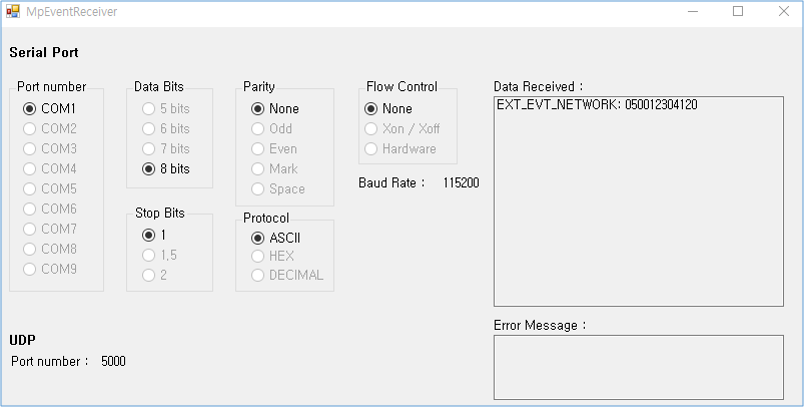
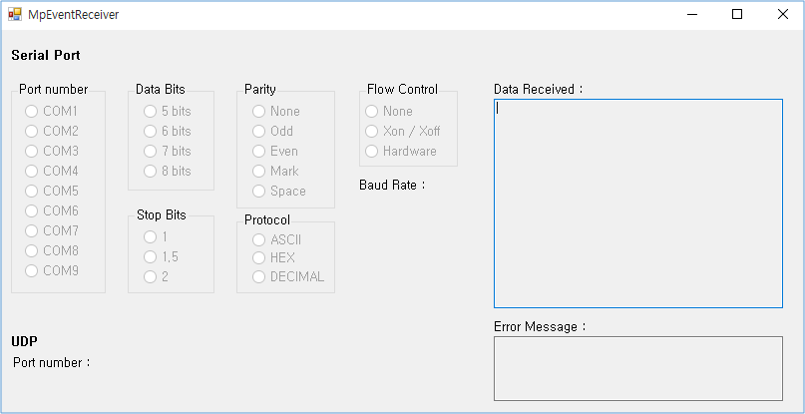
When I Player is executed, MpEventReceiver reads the setting values configured for the serial or UDP port from the LFD file that is currently being played. When an event trigger is sent from outside using the serial or UDP port, the external event segment is displayed in the Data Received : area of the MpEventReceiver window.