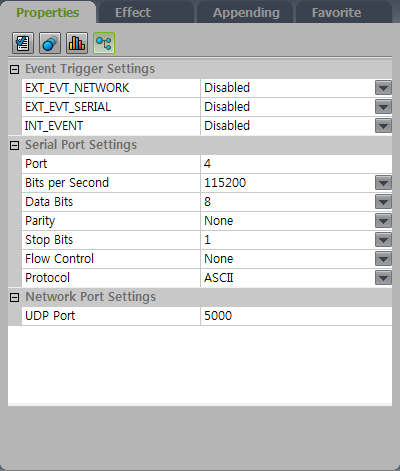
Creating an event trigger
To set up event triggers, first create the content and set the page.
-
Run Premium Author.
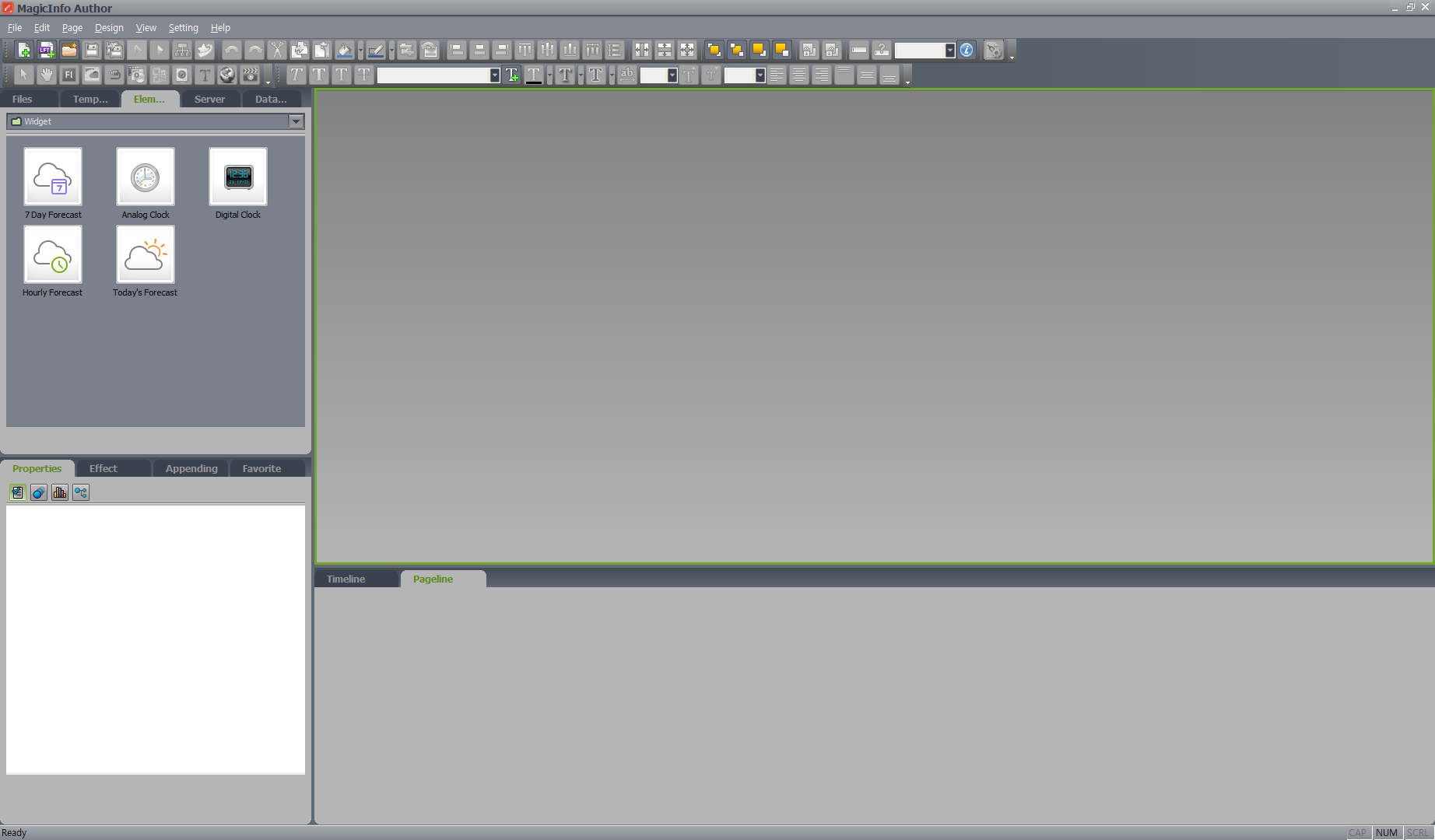
-
Select File > Create New Content to specify the new content's information and click Create. Select, add, or delete a page under Pageline.
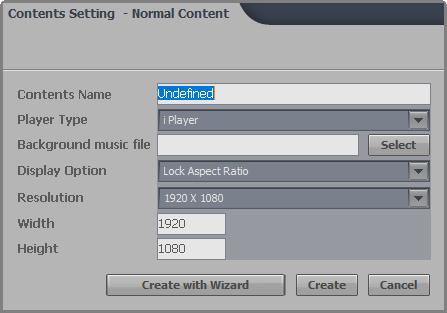
-
Enter the desired elements for the page.
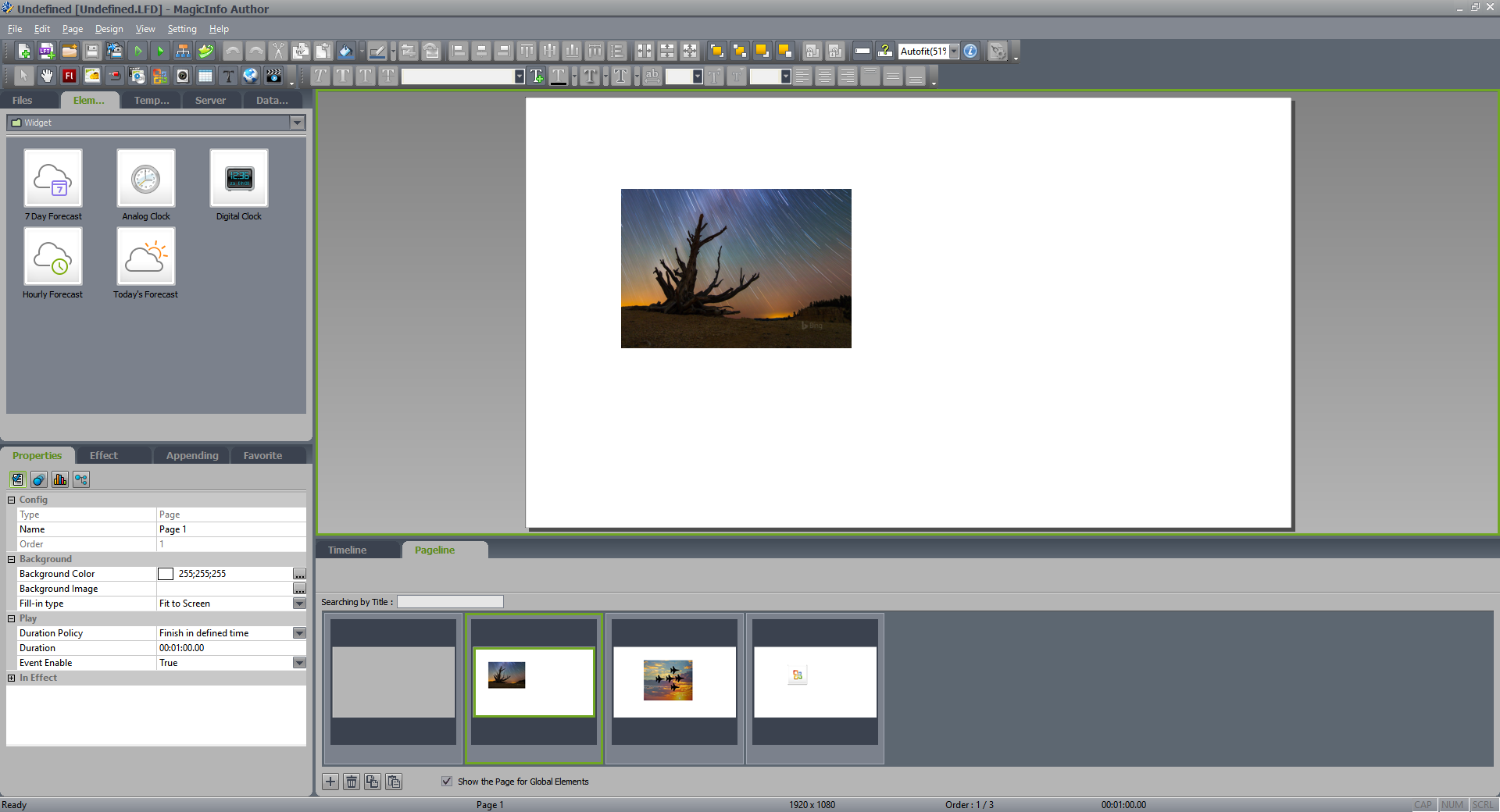
-
Under the Properties tab, click
 . Event trigger properties for the page are displayed.
Configure triggers for the event. For details, see Configuring an event trigger.