Event Trigger Statistics and Detail Reports
You can review detailed statistics on event triggers.
- Click
 (Statistics) > Event Trigger on the main menu bar.
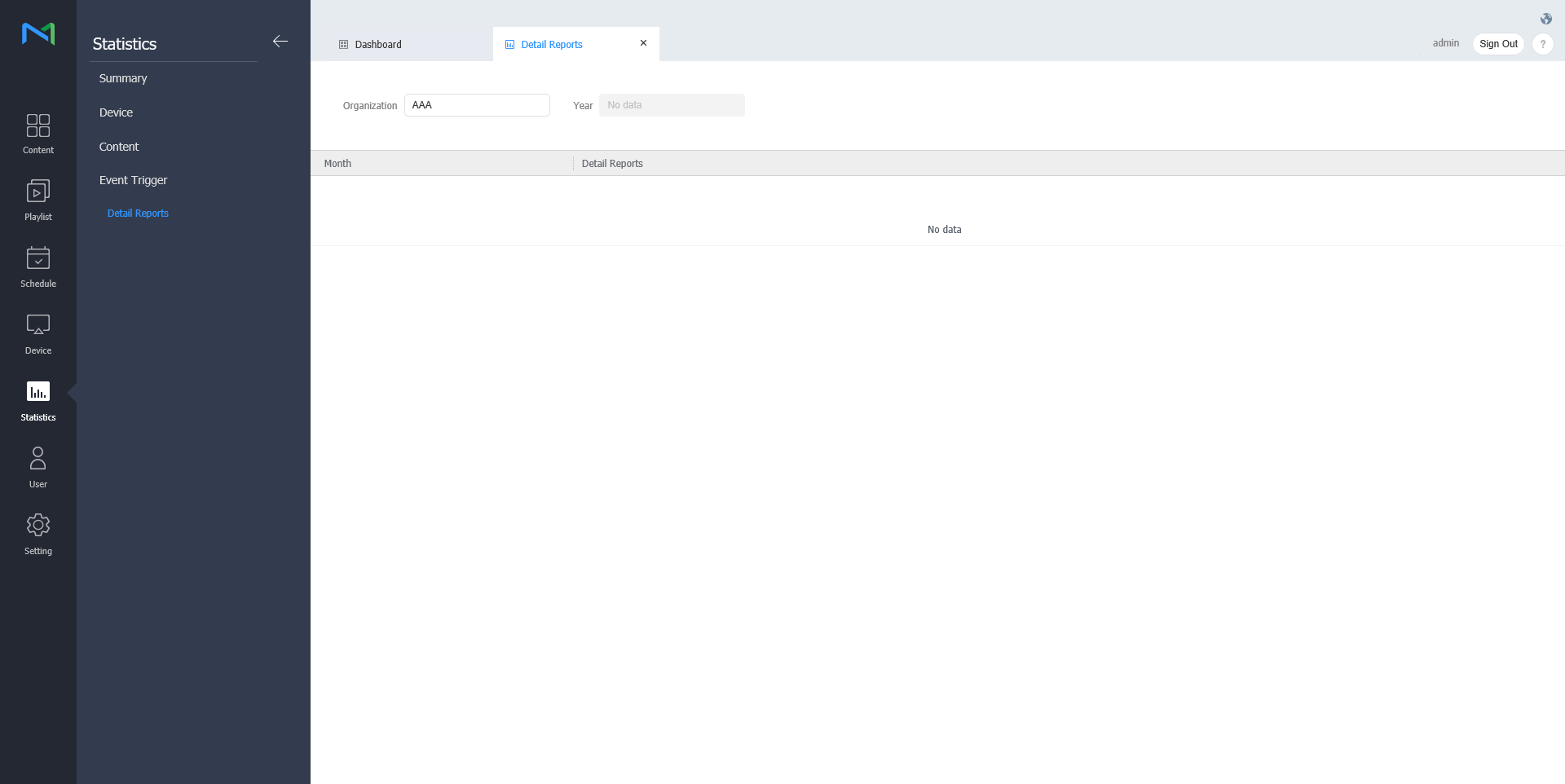
- Click Detail Reports.
- Select the organization and year.
- Statistics based on the specified conditions appear.
- Click the item. The detailed report for event triggers appears on a new pop-up window.
The detail report shows statistics on the audience that watched the content and on the people who passed near the device.